Your Wi-Fi is hackable. Here's how to harden it.
Most routers ship with settings made for an easy first day. A few minutes in its settings page changes who else can get in.
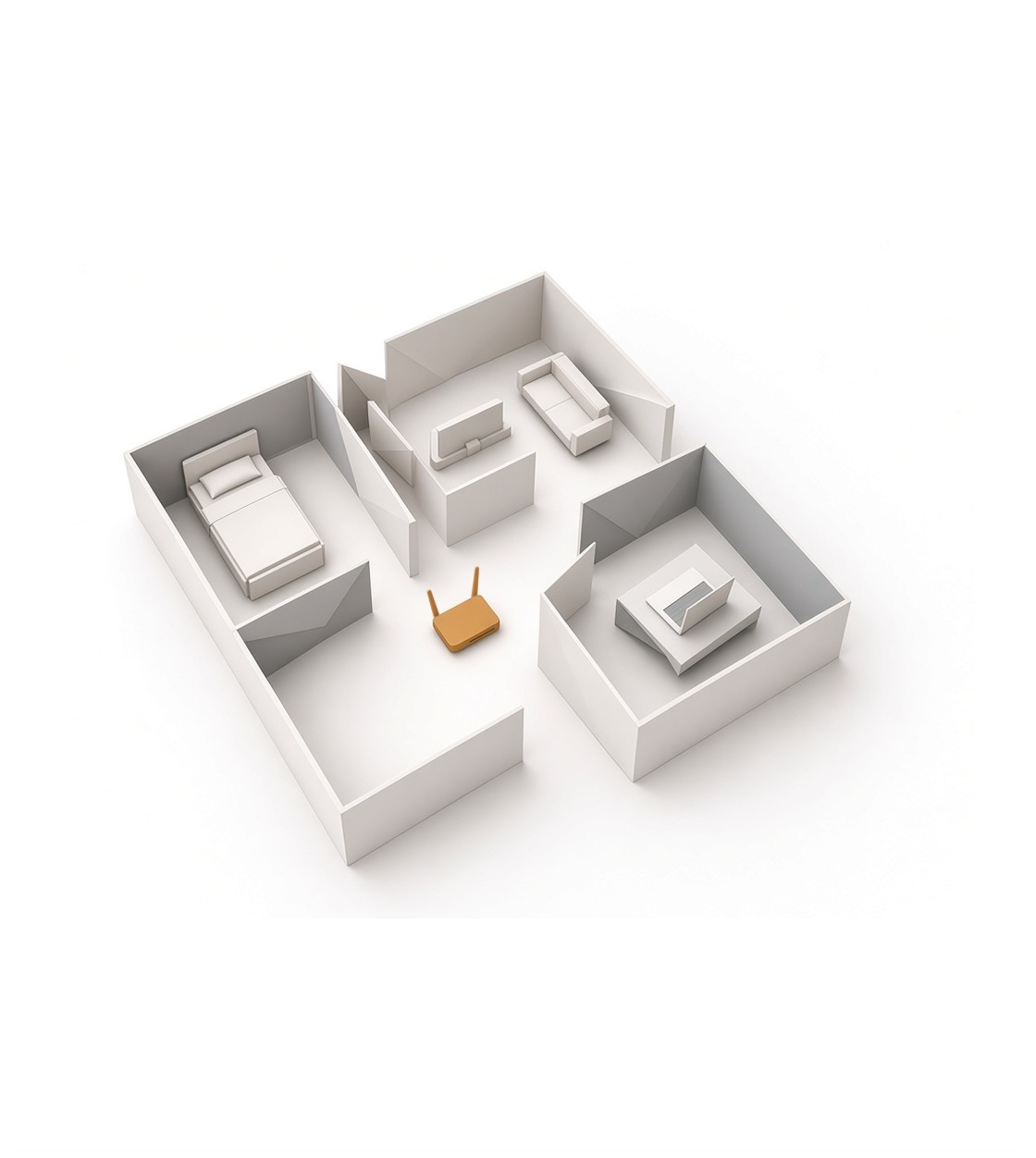
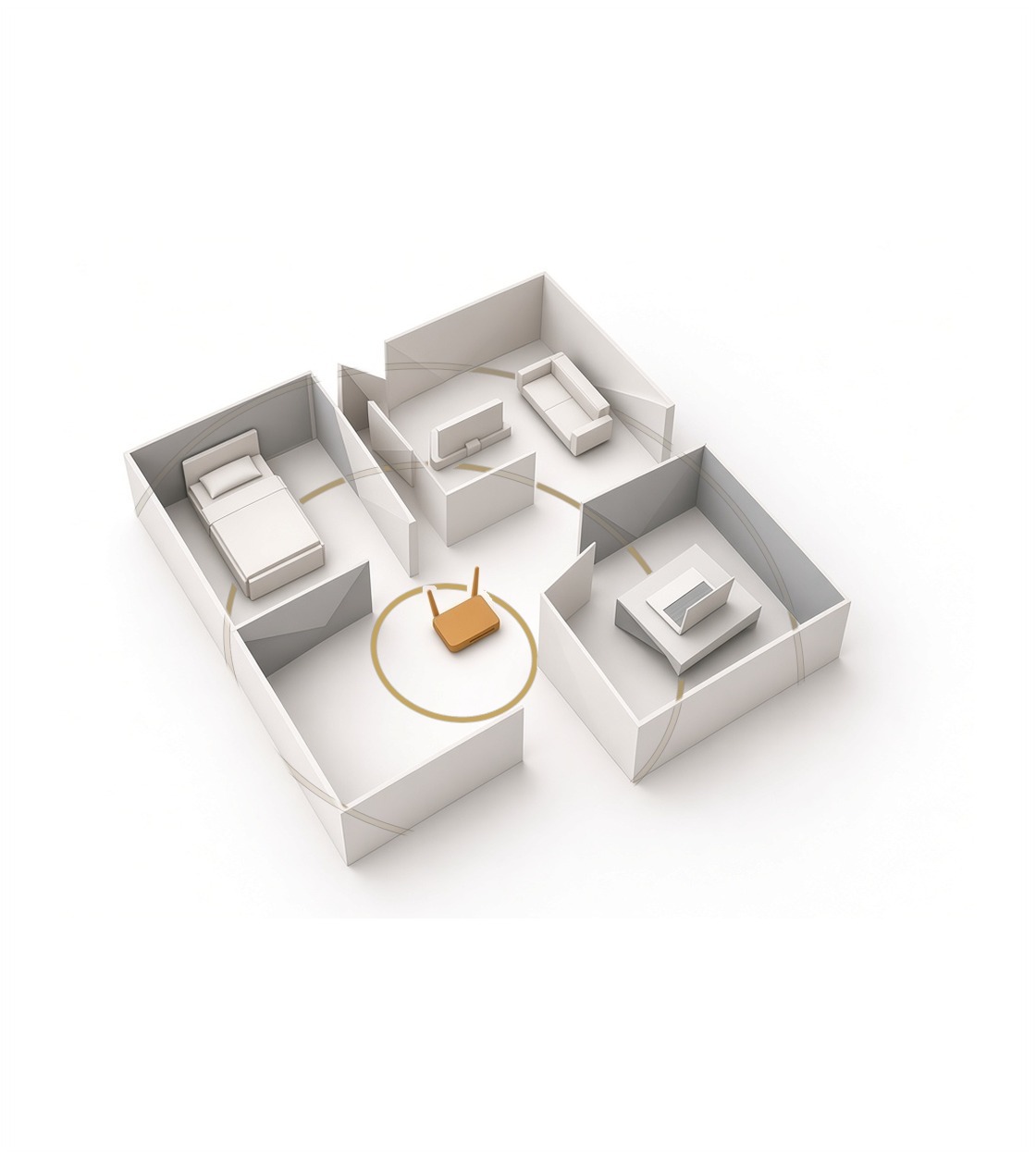
Your phone, your laptop, the TV and the doorbell camera all reach the internet through one box. The NSA calls the router the gateway into your home network: if it's compromised, the devices behind it can be too.
Every step below is a setting in the router's own settings page. Each router is different, so keep its user guide open. The router often has a sticker with its address, network name and default password, CISA says.
Defaults out
Change both passwords
A router has two. The admin password opens its settings. The Wi-Fi password lets a device join the network.
Default router logins can be public, so CISA says to change the admin username and password first. Make it long, random and unique.
Settings illustrations are for reference. Labels and layout may vary by operating system version.
Then change the Wi-Fi password. Use a passphrase of unrelated words, and don't reuse it anywhere else.
Scramble the air
Set the right encryption
Open the wireless security setting. Choose WPA3 Personal. If an older device in the house can't join, choose WPA2/WPA3 instead, so newer devices still use WPA3, as the NSA recommends.
CISA counts only WPA3 Personal and WPA2 AES as safe. If your router offers only WEP, WPA or WPA2 TKIP, or no encryption at all, ask your internet provider for a new one or buy one.
If your router has Protected Management Frames, turn it on. The NSA recommends it where it's available.
Rename the network. A default name can tell a stranger which router you run. Leave your name and address out of the new one. Don't hide the network name: the NSA says hiding it adds no security and can cause connection problems.
Convenience off
Turn off what lets strangers in
Three features make setup easier and the network less secure. CISA and the NSA both say to turn them off.
- Remote management. Lets the router's settings be changed over the internet. Turn it off, so changes need a device on your own network.
- WPS (Wi-Fi Protected Setup). CISA says it makes it more likely that someone gets onto your Wi-Fi without permission. Turn it off.
- UPnP (Universal Plug and Play). Makes it easy to add smart devices to the network. CISA says attackers can use it to spread malware to devices and control them remotely. Turn it off. If a device needs it to join, turn it on for setup, then off again.
Patched and restarted
Keep it current
Check the router for firmware updates now. Turn on automatic updates if the router offers them. The NSA says to replace a router once its maker stops sending updates.
If your internet provider supplied the router, the NSA suggests your own router behind it for more control over its settings.
Restart the router once a week. The NSA says some malicious code on home routers doesn't survive a restart.
Keep the router where visitors can't reach it. Anyone holding it can reset it to the defaults printed on its sticker, CISA notes.
Keep them apart
Give guests their own network
Put visitors, and smart devices that only need the internet, on a guest network with its own long passphrase. The goal is to keep them off your phones and laptops, and away from the router's settings. CISA's home Wi-Fi guidance recommends a guest network for this separation. Check your router's guide to confirm guests can't reach your other devices or its settings page.
The NSA goes one step further: a main network, a guest network, and a separate one for smart devices, if your router can make three.
Two passwords changed, WPA3 on, three features off, updates on, guests apart. Check it again after every reset.
About the author
Editor in chief, The Bravo Protocol
Real-world experience as VIP security, engineer, and United States Marine. Classically trained in Information Management, Security, and Network Assurance with a specialization in IT forensics.
An expert advisor that's led teams and engineering initiatives for Fortune 500 companies and an AI/ML unicorn startup.
Show the receipts
Sources and notes
What each source supports in this guide. Pages opened Nov 6, 2026.
US government
- Best Practices for Securing Your Home Network, NSA (Feb 2023). The router as the gateway; WPA3, or WPA2/3 for older devices; a passphrase of at least 20 characters; protected management frames; don't hide the network name; separate main, guest and smart-device networks; firmware updates and replacement at end of support; your own router behind the provider's; remote administration and UPnP off; weekly reboots.
- Module 5: Securing Your Home Wi-Fi, CISA Project Upskill. Each router is different and its sticker lists defaults; change the admin login and the Wi-Fi passphrase (at least 16 characters); only WPA3 Personal and WPA2 AES count as safe; rename the network without personal details; remote management, WPS and UPnP off; keep the router out of reach; a guest network for visitors and smart devices.
Our calls
Every line marked "Our call" is our editorial judgment, resting on the sources above. Where we connect two facts a source didn't connect, the text says so.